
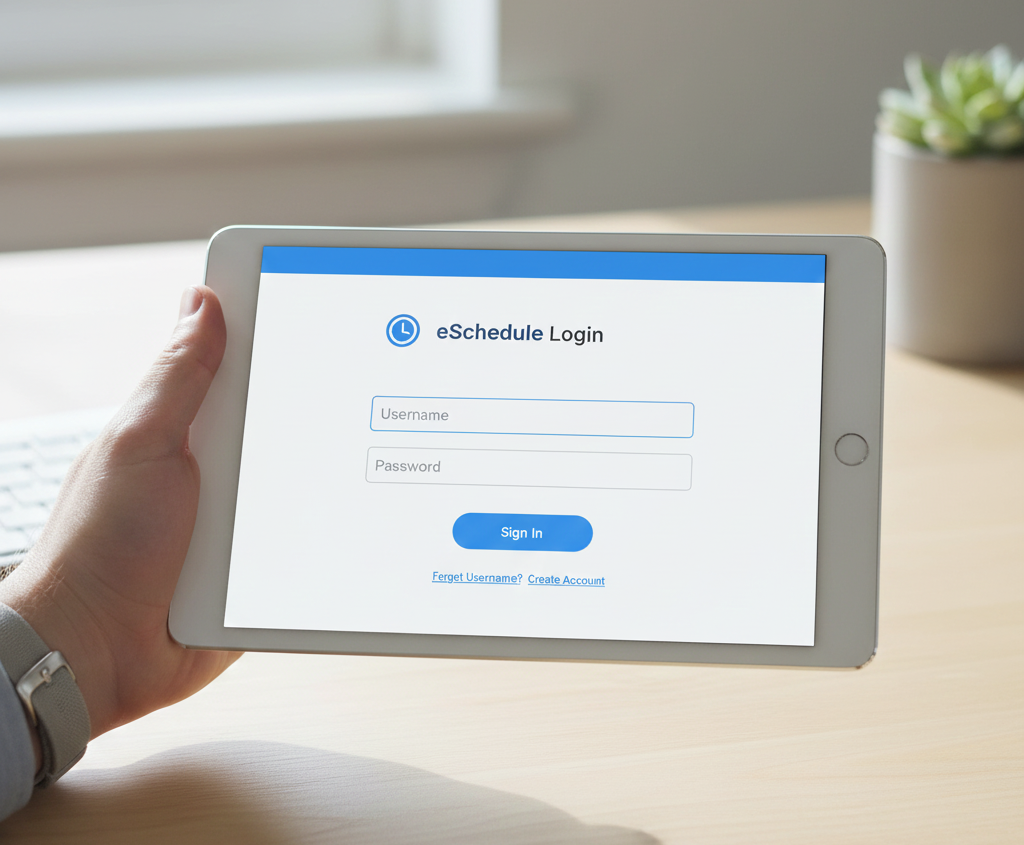
In critical industries like Fire Departments, EMS, and 911 Dispatch, efficient team management is a matter of life and death. The era of manual spreadsheets and paper-based time tracking is over. eSchedule software has emerged as the go-to specialized tool to organize the complex scheduling needs of public safety agencies.
Whether you are an administrator analyzing eSchedule pricing for your department or a staff member looking for the eschedule login page, this guide covers all the essentials.
What Is eSchedule Software?
eSchedule is a cloud-based workforce management platform built specifically for healthcare and public safety organizations. Unlike standard business scheduling apps, it is designed to handle the unique demands of 24-hour shifts, complex rotation cycles, and split crews.
The main objective of eSchedule software is to unify operations. It eliminates the need for separate apps for emails, rosters, and time clocks by combining them into a single dashboard. This ensures that every eSchedule employee—from leadership to entry-level staff—stays connected and informed.
Navigating the eSchedule Login Portal
For new employees, accessing the platform can sometimes be tricky due to strict security protocols. The eschedule login is not accessed through a public homepage like social media sites.
Here are the key details for access:
- Agency Specific: You typically need a unique Agency ID or a custom URL provided by your department to log in.
- Mobile Capability: Staff can easily use the web portal on mobile devices to swap shifts or approve time cards on the go.
- Login Issues: If an eSchedule employee gets locked out or forgets a password, the reset instructions usually go to their work email. Administrators manage these permissions tightly to ensure data safety.
Top eSchedule Features
What makes this platform superior to generic alternatives? The value lies in its industry-specific eSchedule features:
- Intelligent Scheduling: Managers can use drag-and-drop tools to assign shifts, and the software automatically flags conflicts (such as double-booking an employee who is on vacation).
- Certification Management: This is critical for EMS agencies. The system tracks expiration dates for certifications (like CPR or ACLS) and alerts management before they lapse, ensuring compliance.
- Digital Timekeeping: It replaces outdated punch clocks. The system tracks work hours precisely and automatically calculates complex overtime pay rules.
eSchedule Pricing & Demo Options
One of the most common questions is regarding eSchedule pricing. Because agencies vary wildly in size—from small volunteer fire departments to large private ambulance companies—the cost is not fixed.
eSchedule pricing is typically a subscription model based on the number of active users. To understand the financial commitment, it is highly recommended to request a free eSchedule demo. This walkthrough allows you to see the interface in real-time and determine if the ROI justifies the monthly cost for your specific agency size.
Power of eSchedule Integrations
A standalone tool is good, but a connected ecosystem is better. eSchedule Integrations allow the software to “talk” to other critical business systems.
The most popular integrations are with Payroll software (like ADP, Paychex, or QuickBooks). By syncing time-clock data directly to payroll, agencies eliminate human error in data entry, ensuring that every paycheck is accurate.
Final Verdict
eSchedule software is a robust, reliable solution for high-performance agencies. It simplifies the administrative burden, allowing leadership to focus on what matters most: public safety and patient care.
However, choosing a software requires due diligence.
Are you evaluating workforce management tools? Schedule a demo with Codatis today to get expert insights and find the perfect software solution for your business.
Frequently Asked Questions (FAQs)
Q1: Can I access the eSchedule login from my phone?
Yes, eSchedule is cloud-based and mobile-responsive. Employees can log in from any smartphone or tablet to view upcoming shifts or clock in.
Q2: Does eSchedule pricing include setup fees?
eSchedule pricing often includes an implementation fee for setting up your agency’s specific rotation patterns and importing employee data. It is best to ask about this during your quote.
Q3: What industries use eSchedule software?
While anyone can use it, the eSchedule features are specifically designed for EMS, Fire Departments, Air Medical, Dispatch, and Law Enforcement agencies.
Q4: Is there a free trial?
Instead of a self-service free trial, the company typically offers a free eSchedule demo where a specialist guides you through the software to ensure it meets your needs.
Q5: How do eSchedule integrations work with payroll?
The system exports a file formatted specifically for your payroll provider (like ADP). You simply upload this file to your payroll system, saving hours of manual entry.
 rileysnow
  Maria
Maria  bironwarner